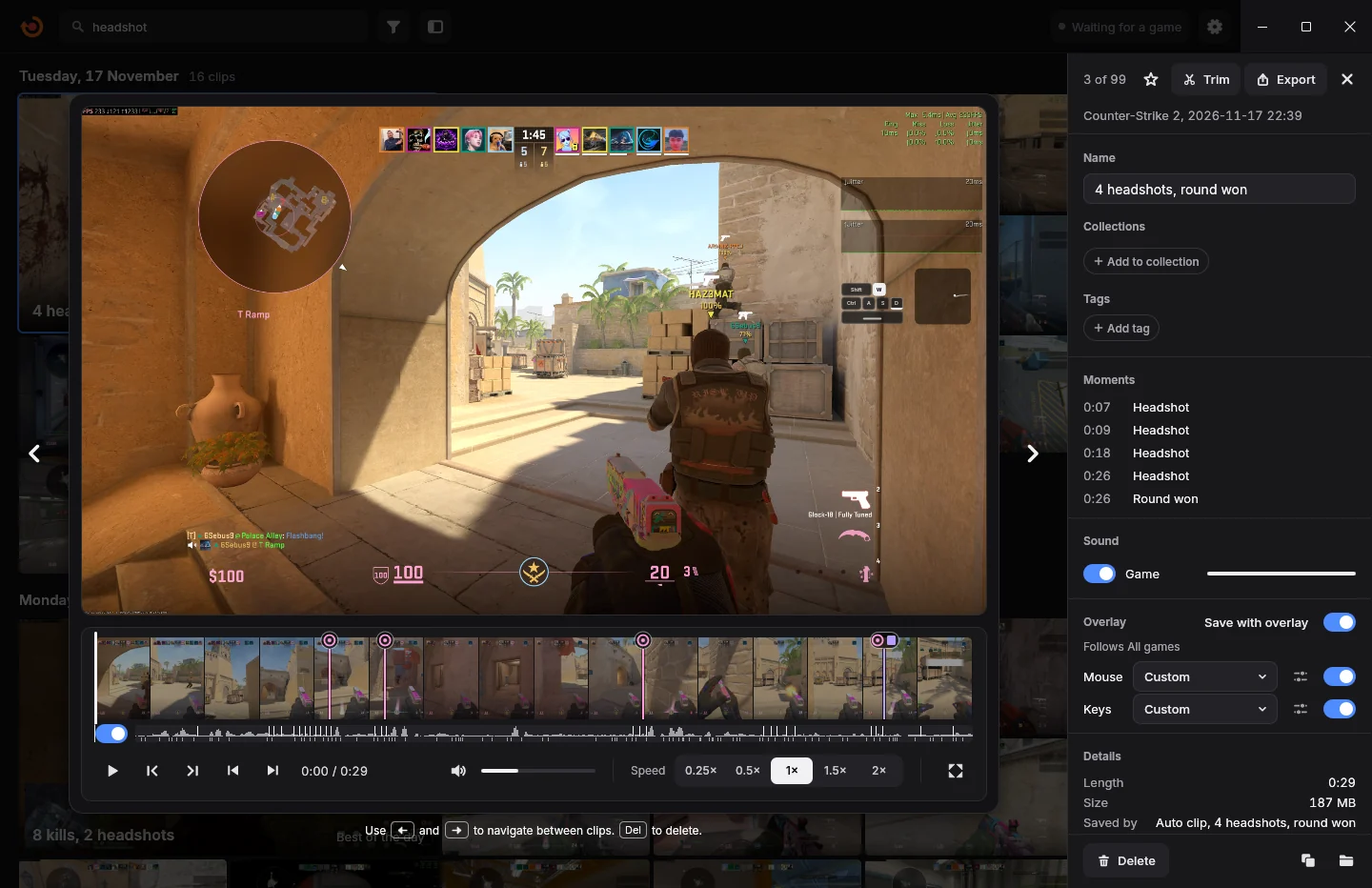
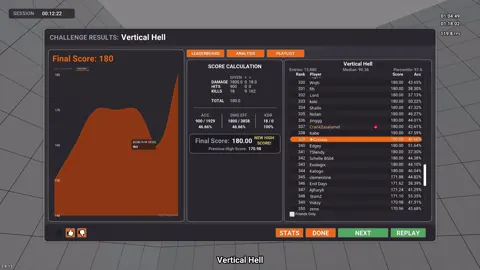
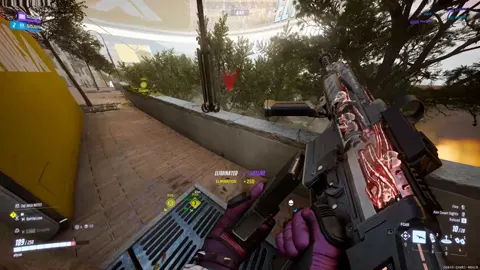
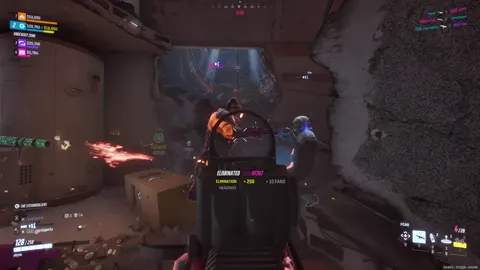
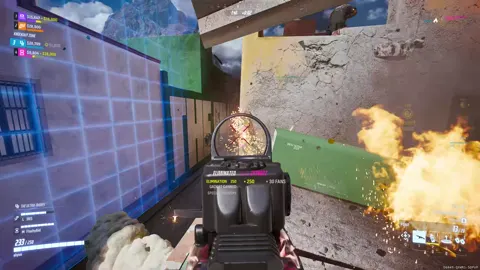
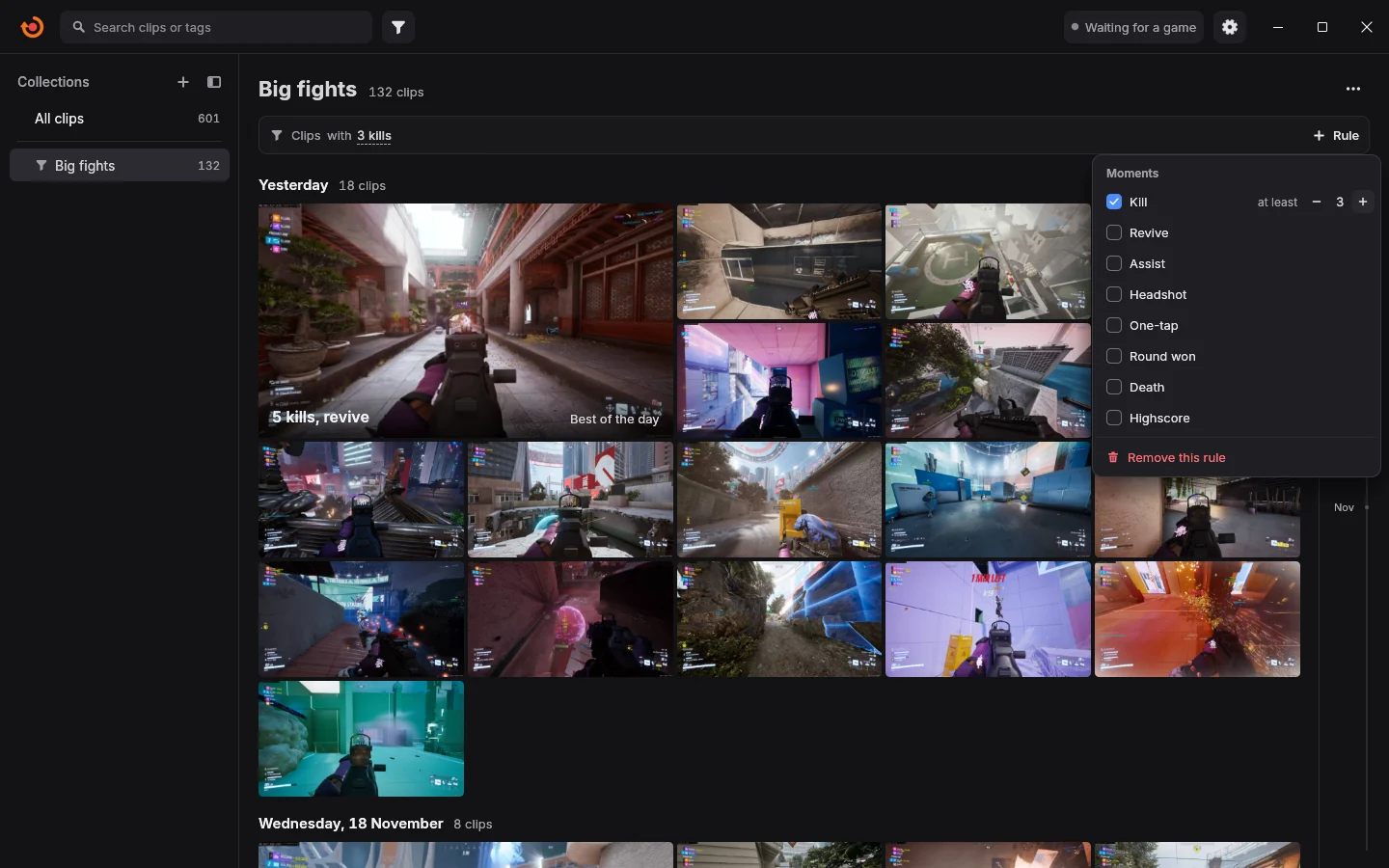
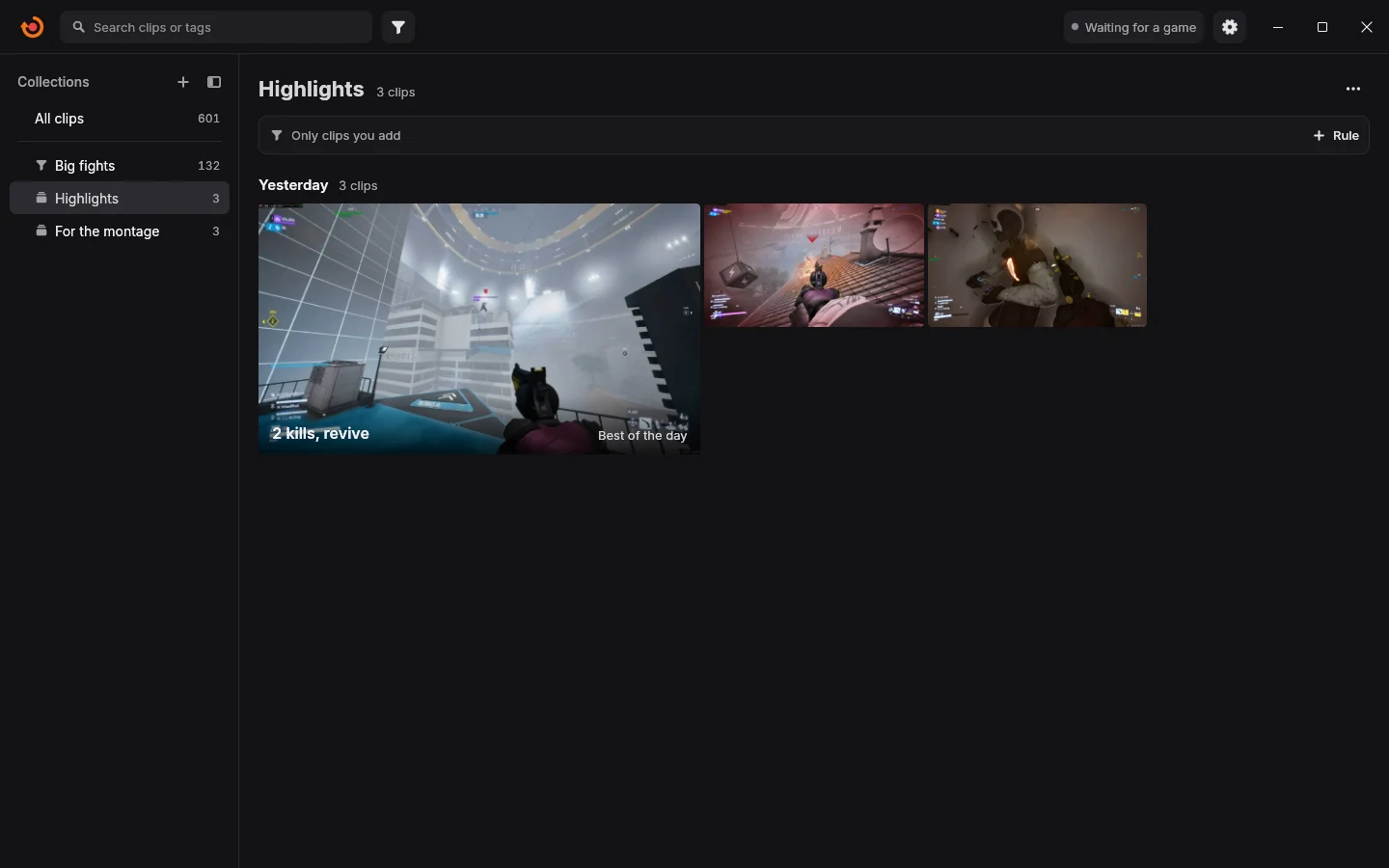
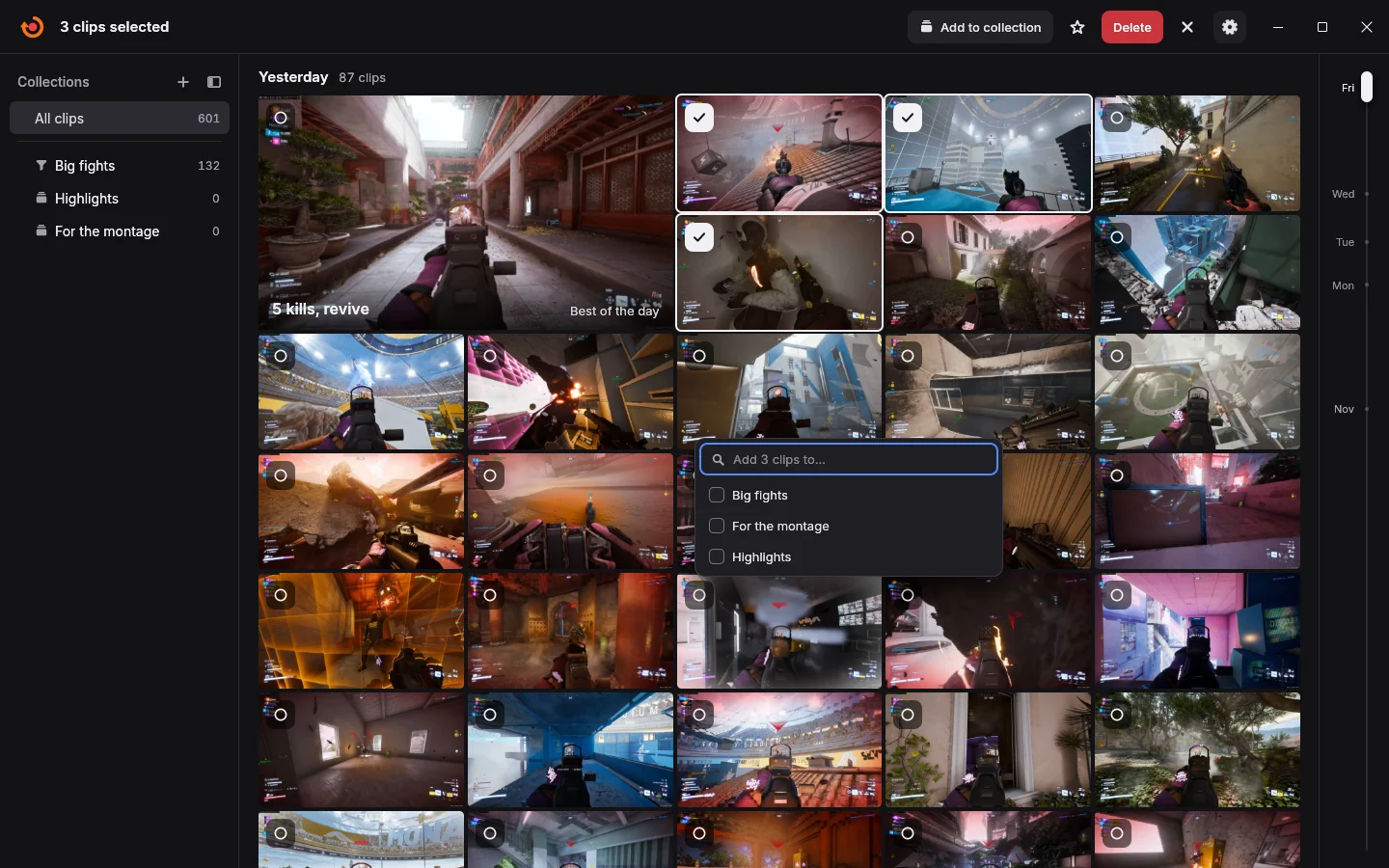
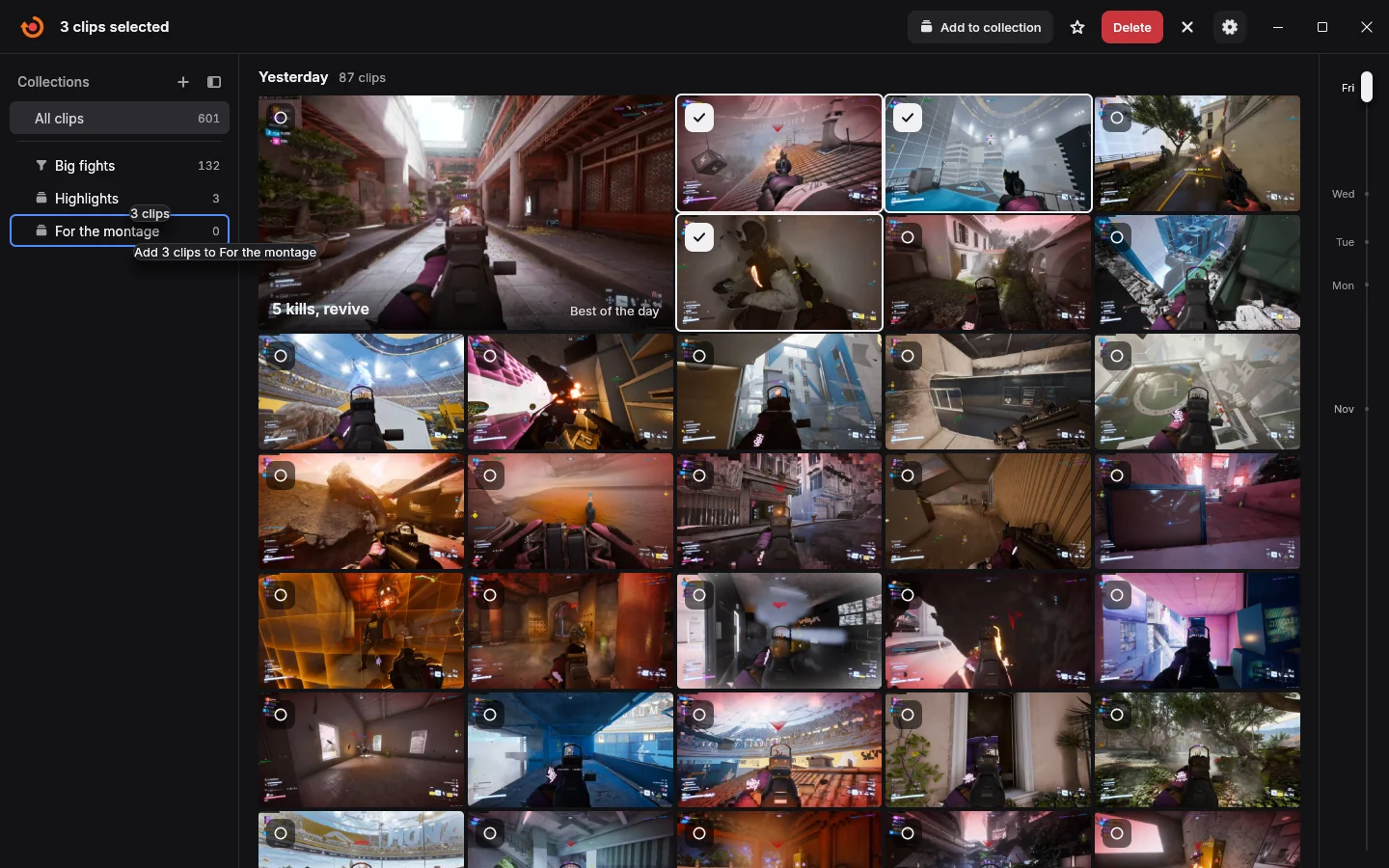
Old clips move to your own cloud or NAS.
Connect your own cloud storage or a folder on your NAS. Clips older than the age you pick move there by themselves, wait until your match is over, and stay in your library, ready to play. Your drive gets its space back.
- Yours, and off until you switch it on.
- Your clips go only to the storage you connect, with no account of ours.
- Your cloud or your NAS.
- Use cloud storage you rent yourself, or a shared folder on a NAS or another PC at home.
- By age, on its own.
- Pick days, weeks or months, and which kinds of clips move.
- Out of your way.
- Uploads run in the hours you pick, while your connection has room to spare, and wait for your match.
- Progress on the clip.
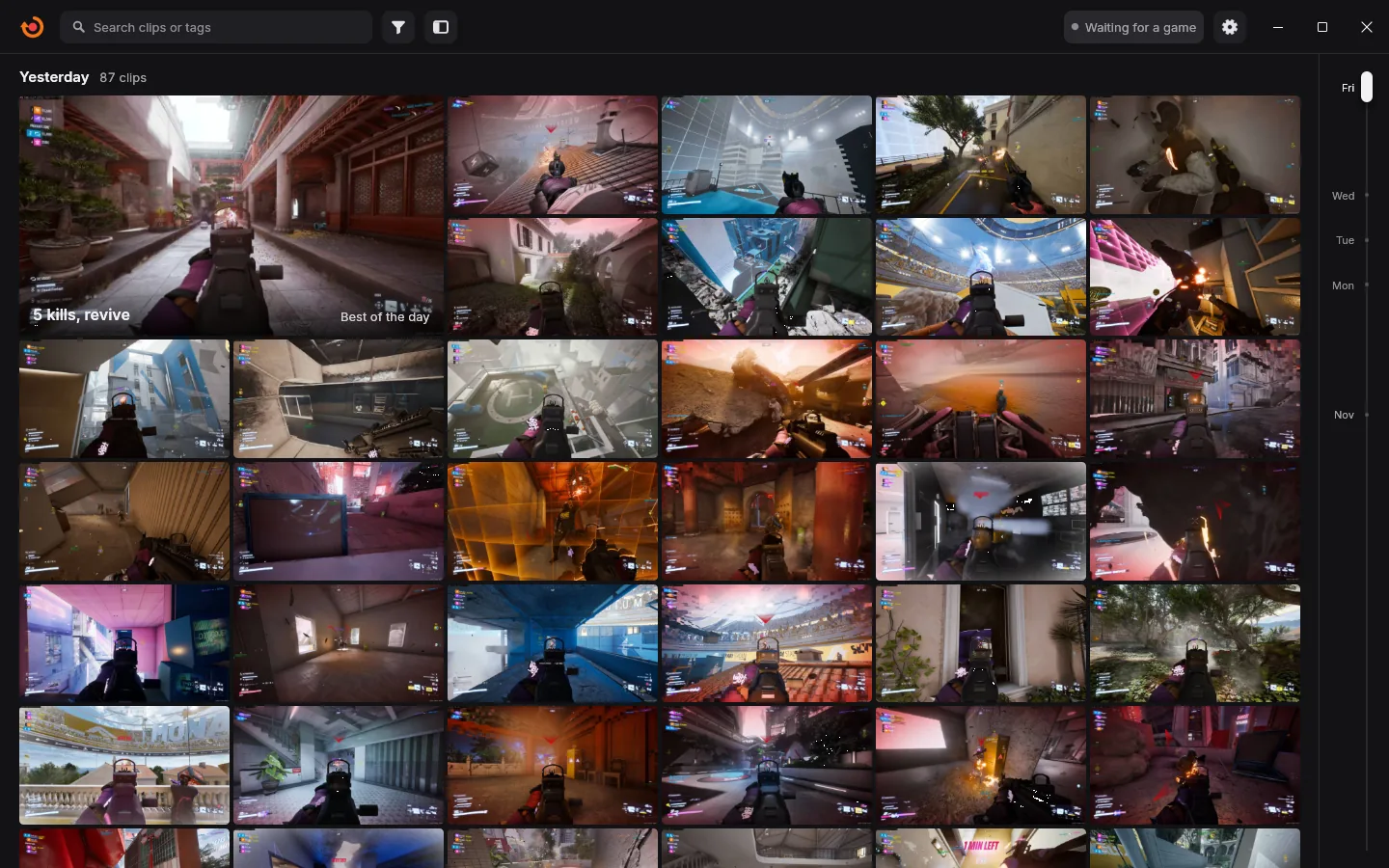
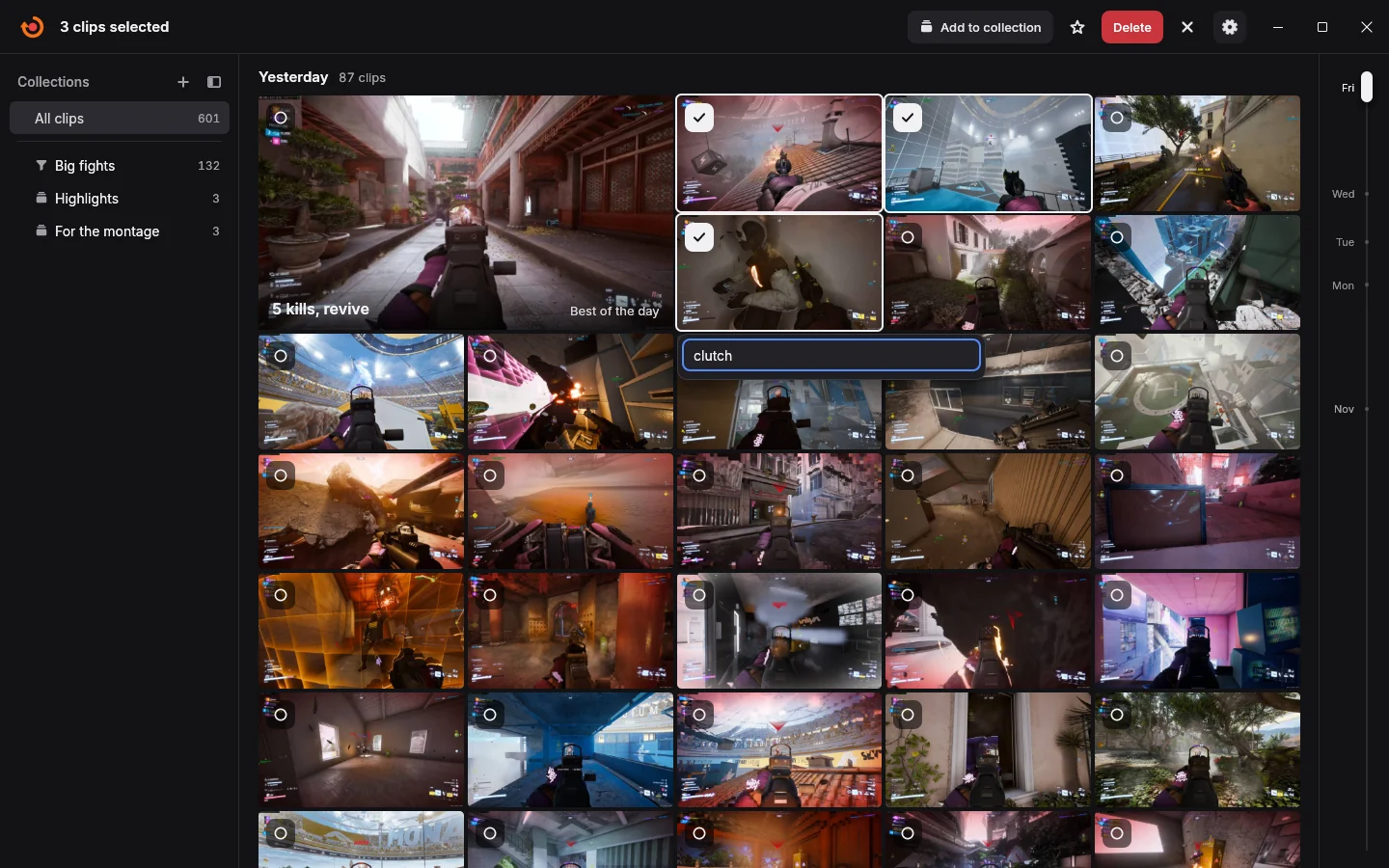
- Each clip shows its upload right in your library.
- Picks up where it stopped.
- An upload that breaks off carries on from there.
- Checked before it counts.
- A clip counts as moved once your storage holds the complete file.
- Space back on your PC.
- Keep a copy on the PC too, or let it go once the clip is safe.
- Plays from there.
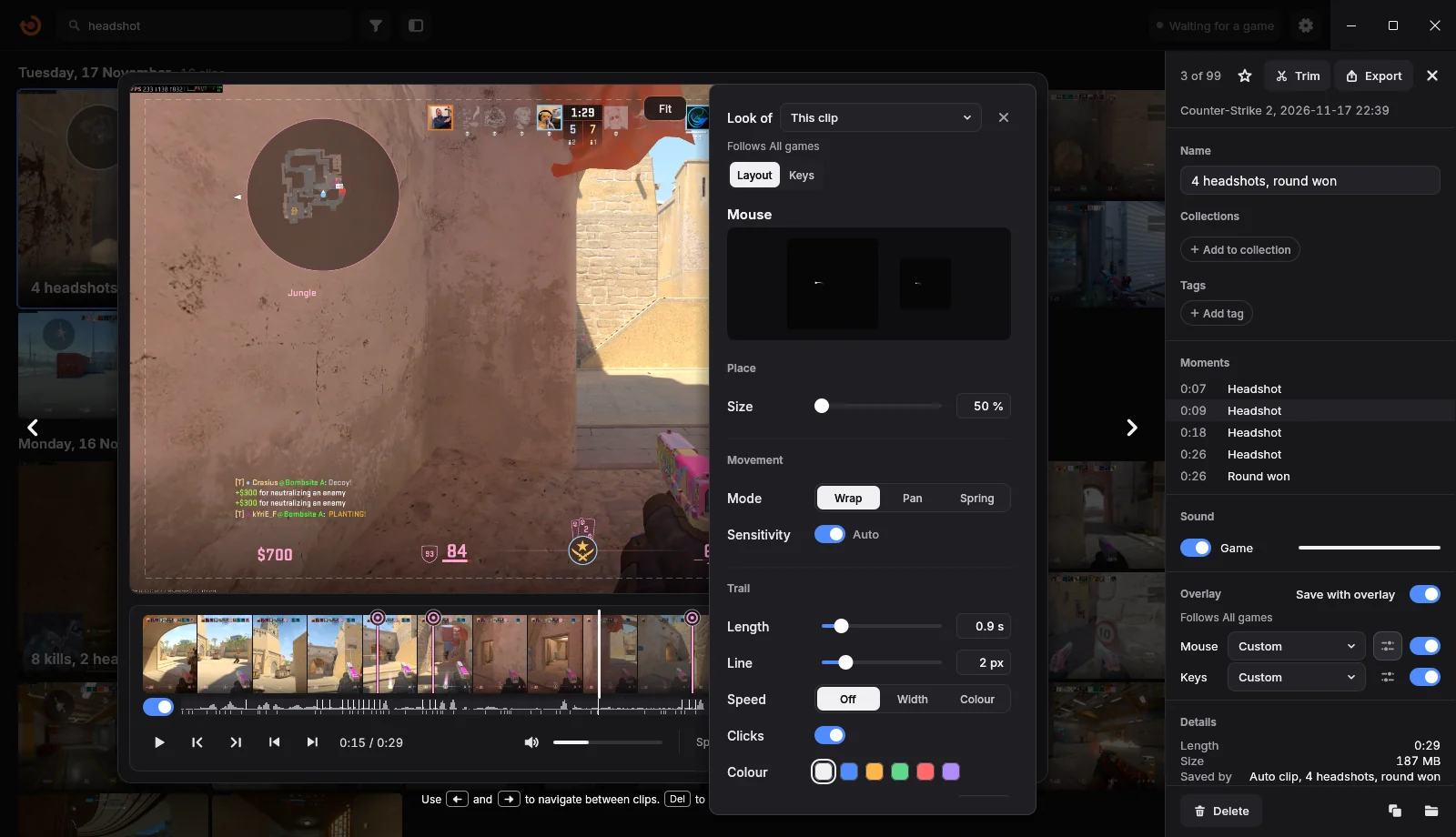
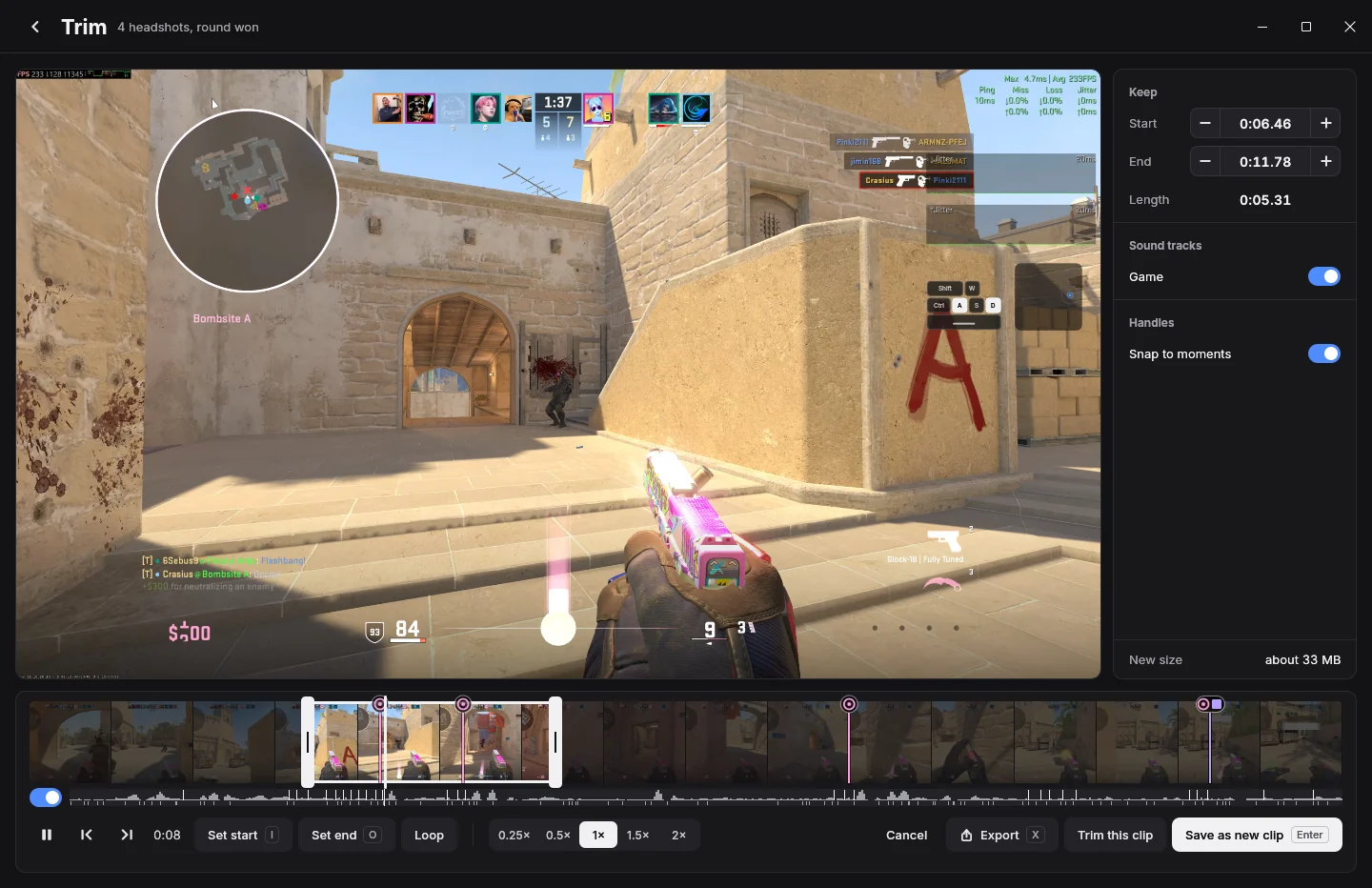
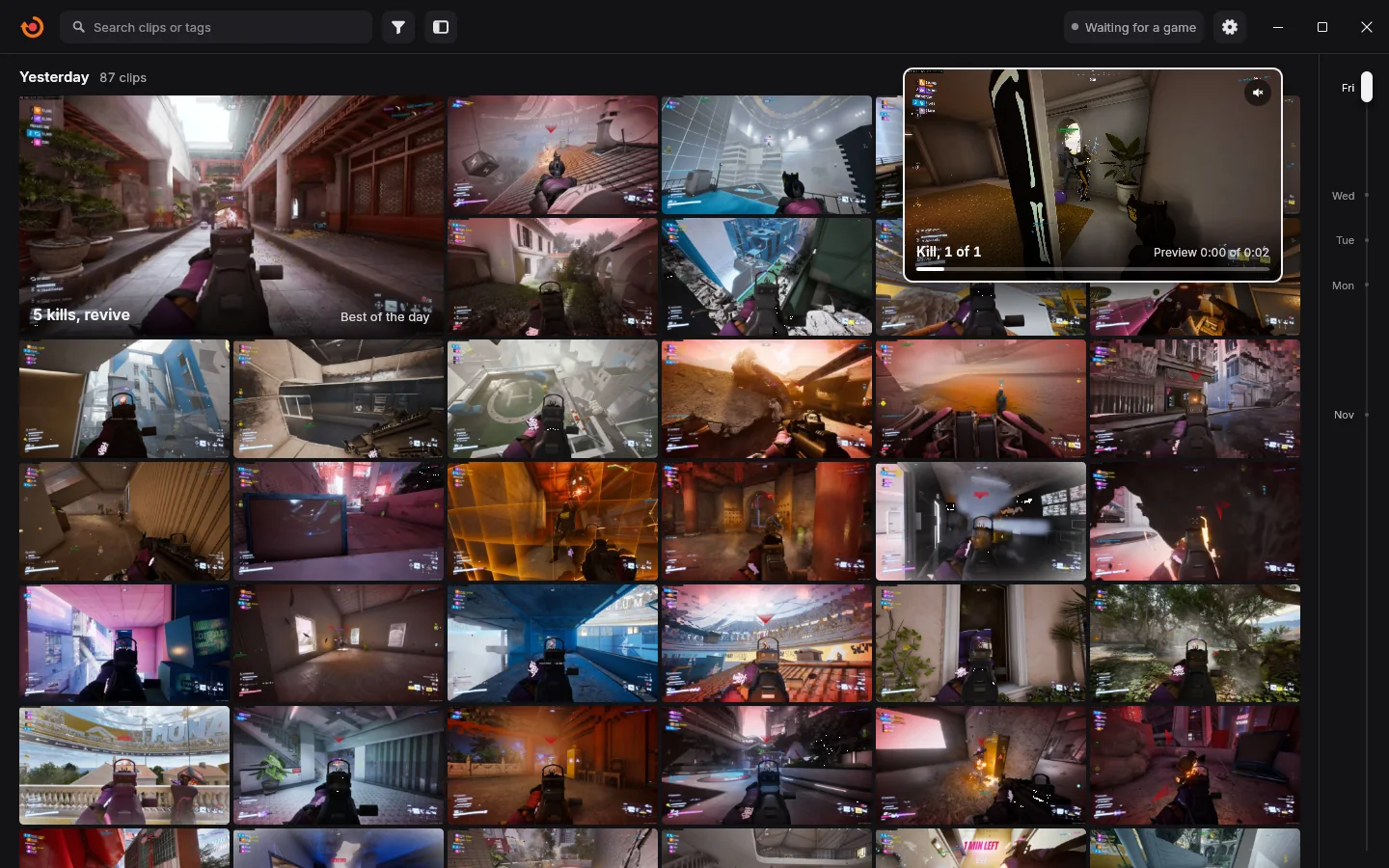
- A clip in your cloud or on your NAS keeps its picture and preview, plays like any other, and even trims.
- Bring it back.
- One click puts a clip back on your PC, for one clip or a whole selection.
- Upload now.
- Send a clip right away from its menu whenever you like.
- Try again.
- If an upload cannot finish, the card says why and Try again picks it up.


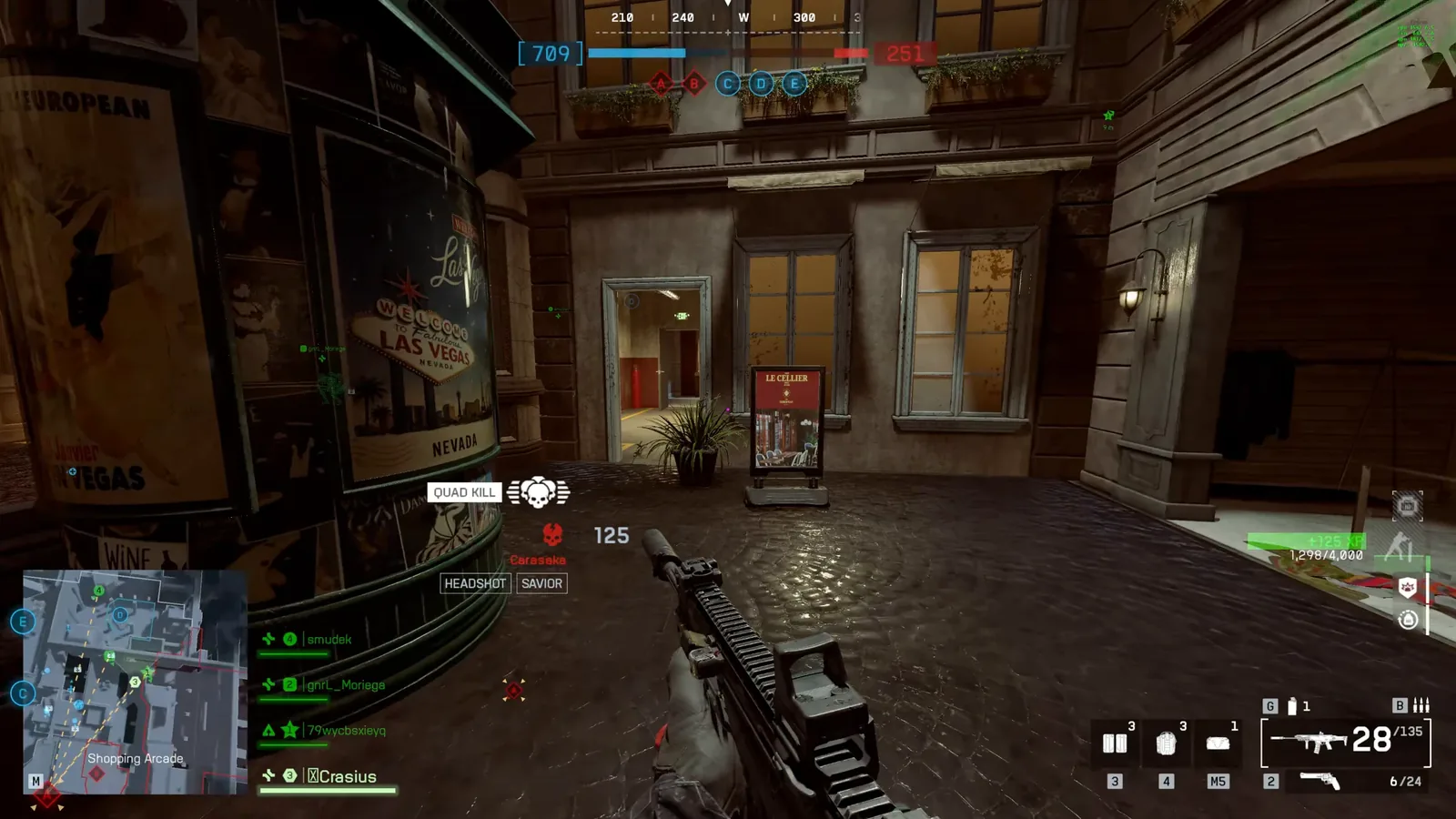
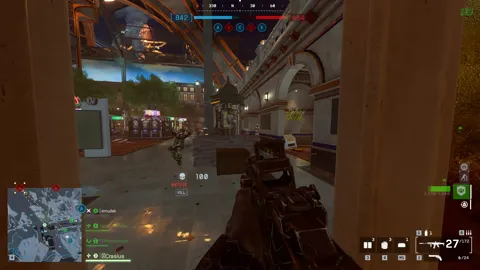
 Battlefield 6
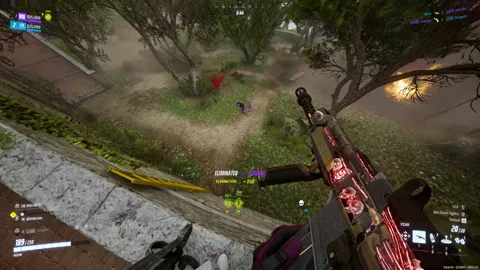
 THE FINALS
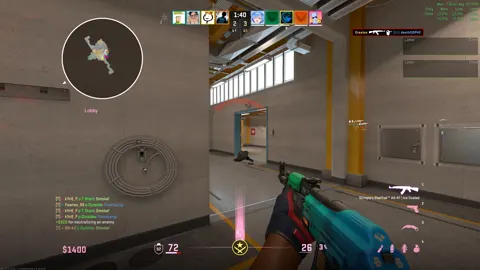
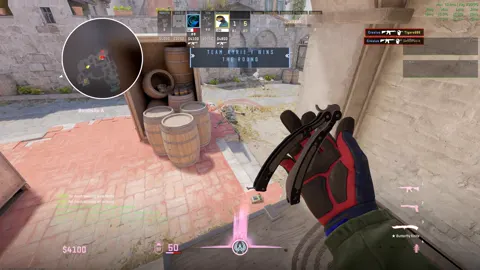
 Counter-Strike 2
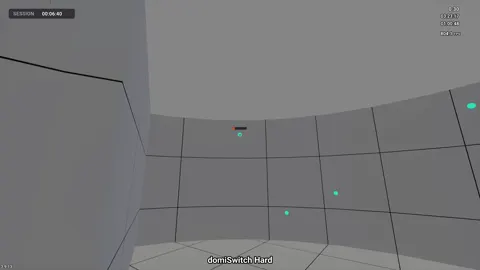
 KovaaK's